
Tech Data
Clearance: WiFi Range Extender TP-Link RE300 AC1200 Mesh
Clearance: WiFi Range Extender TP-Link RE300 AC1200 Mesh
Juilliard Store
144 West 66th Street
New York NY 10023
United States
Choose options
Clearance: WiFi Range Extender TP-Link RE300 AC1200 Mesh
Juilliard Store
144 West 66th Street
New York NY 10023
United States
Clearance: WiFi Range Extender TP-Link RE300 AC1200 Mesh
Juilliard Store
144 West 66th Street
New York NY 10023
United States
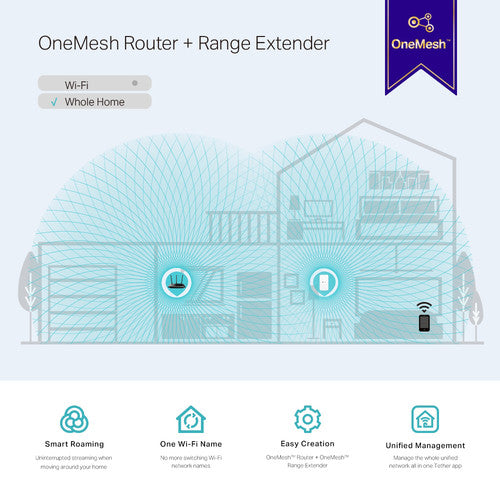
OneMesh is a simple way to form a mesh network with a single Wi-Fi name for seamless
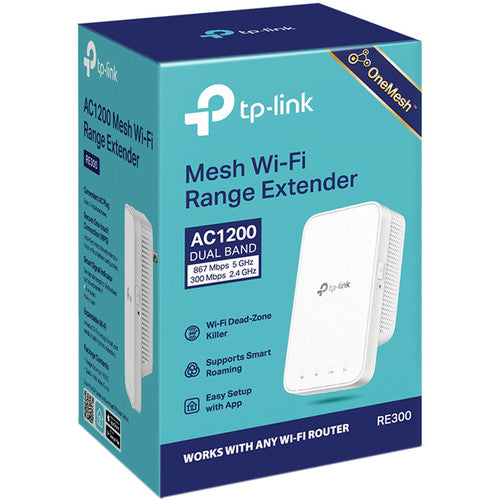
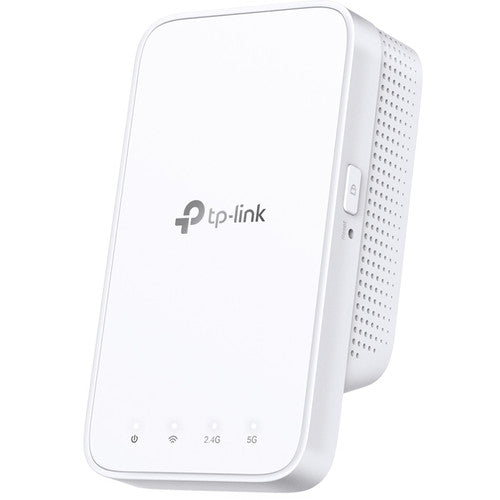
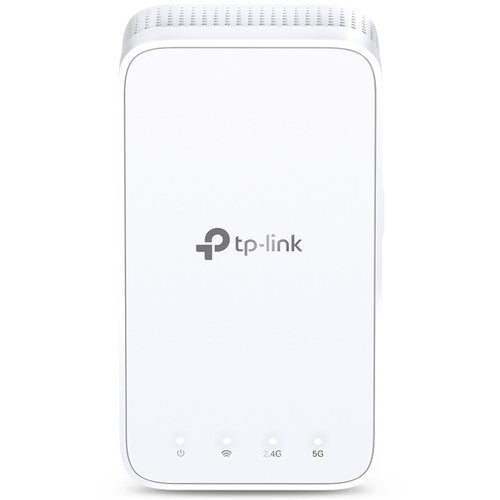
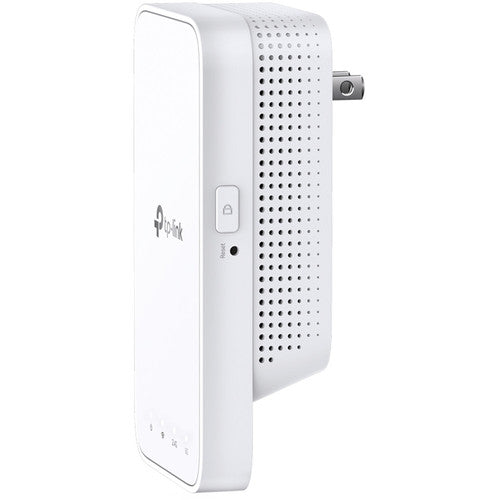
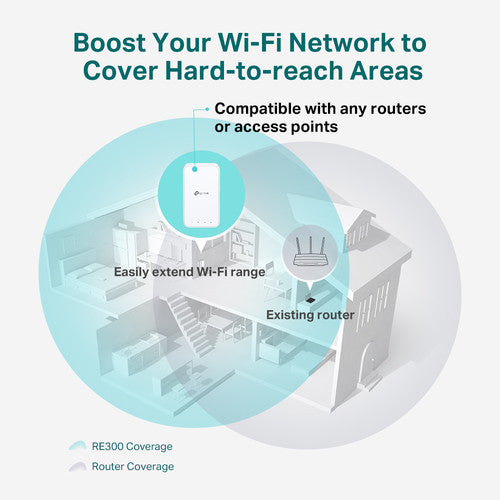
Boost the range of your supported wireless router with the RE300 AC1200 Mesh Wi-Fi Range Extender from TP-Link. This dual-range extender plugs into any AC wall outlet and boosts the range of an existing Wi-Fi router by piggybacking onto its signal. The extender can create a unified OneMesh network if it's connected to a OneMesh-enabled router.
A signal indicator lets you know if the extender is in range of your router, while Wi-Fi Protected Setup support lets you connect the extender to a WPS-equipped router by pressing a button. You can set up and manage your network using the downloadable TP-Link Tether app for iOS and Android.
Keep the Whole Home Connected
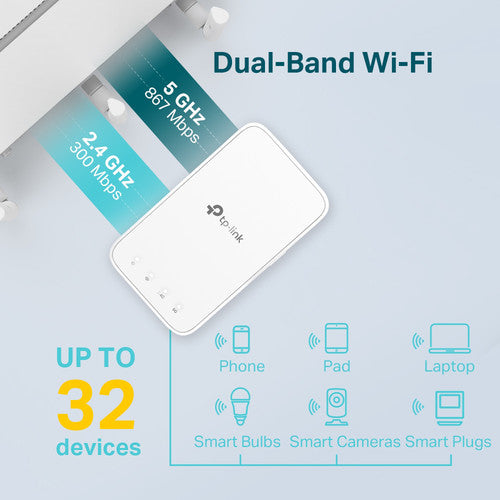
The RE300 wirelessly connects to your Wi-Fi router, strengthening and expanding its signal into areas it can't reach on its own. The extender is capable of Wi-Fi speeds up to 300 Mb/s on the 2.4 GHz frequency band and up to 867 Mb/s on 5 GHz. TP-Link OneMesh whole-home coverage. Just connect a OneMesh range extender to a OneMesh router.
Smart Roaming
Designed to deliver uninterrupted streaming when moving around your home.
Unified Management. Set up and manage the whole unified network using the all-in-one TP-Link Tether app for iOS and Android.
Create a Mesh Network with Your Existing Router
Just update the firmware on your supported TP-Link router to OneMesh, then connect the RE300 to the router.
Adaptive Path Selection
Helps to keep your network running at top speed by automatically choosing the fastest connection path to the router.
Secure One-Touch Connection
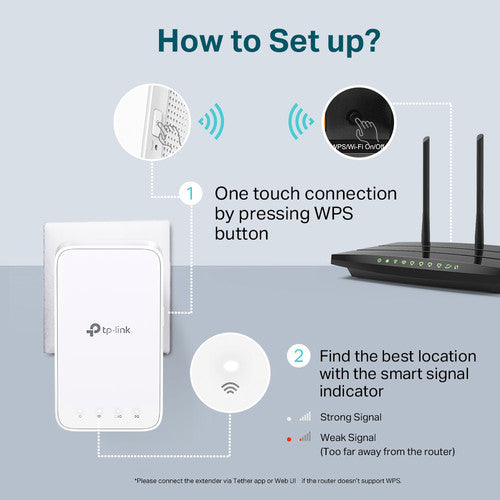
Simply press the WPS (Wi-Fi Protected Setup) button on your router, then press the WPS button on the RE300 within two minutes to connect to the network. Once connected, place the RE300 in a suitable location. You can connect the extender to the router via the Tether app or web interface if your router doesn't support WPS.
Smart Signal Indicator
The smart signal indicator lets you see signal strength from your existing router at a glance. A white indicator light means the RE300 has a strong signal, while a red light means the extender is too far away from the router.
Advanced Features
· Wireless statistics
· Concurrent mode boost (both 2.4 GHz and 5 GHz frequency bands)
· Access control
· LED control.
· Domain login function